Tracker Overview
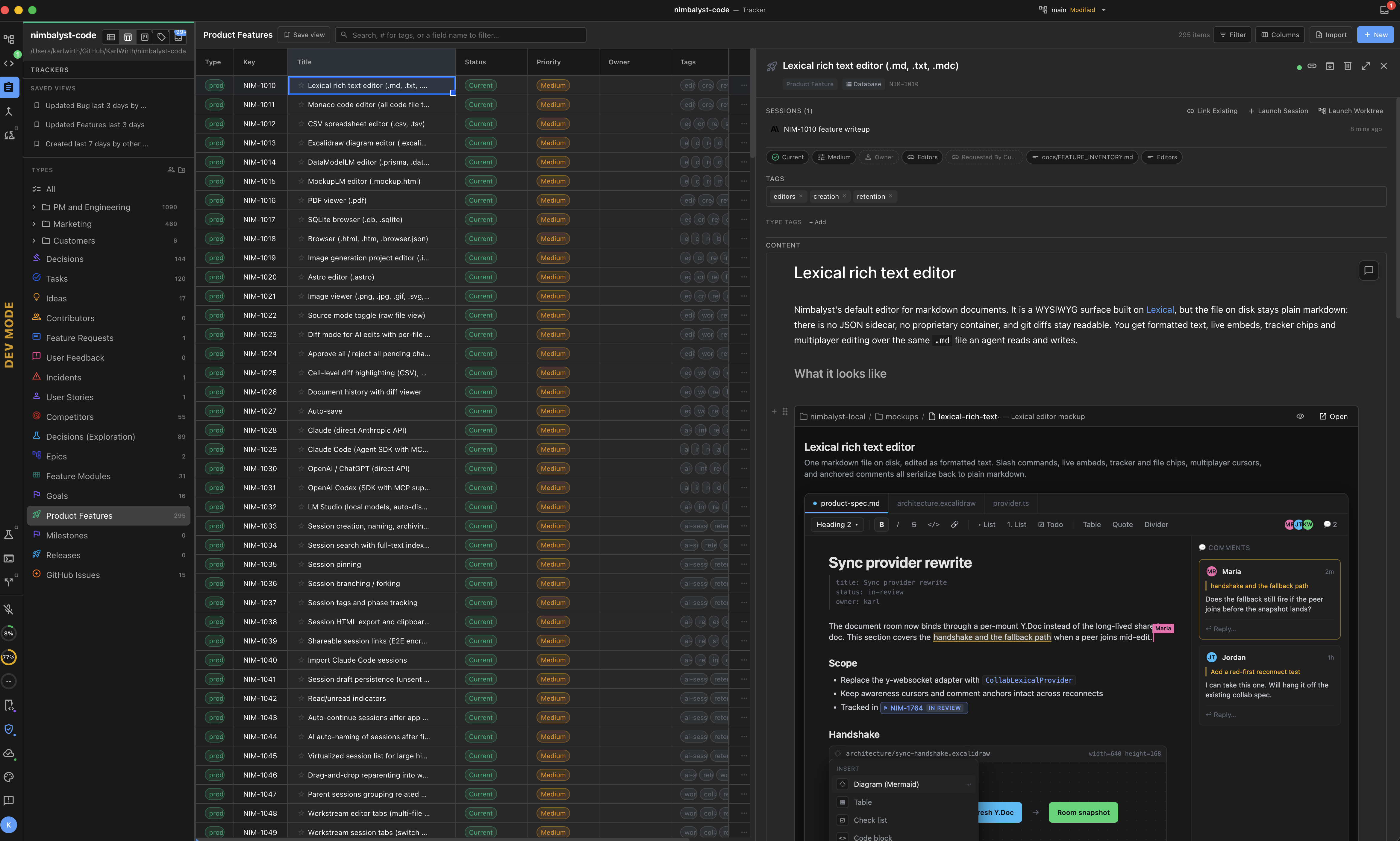
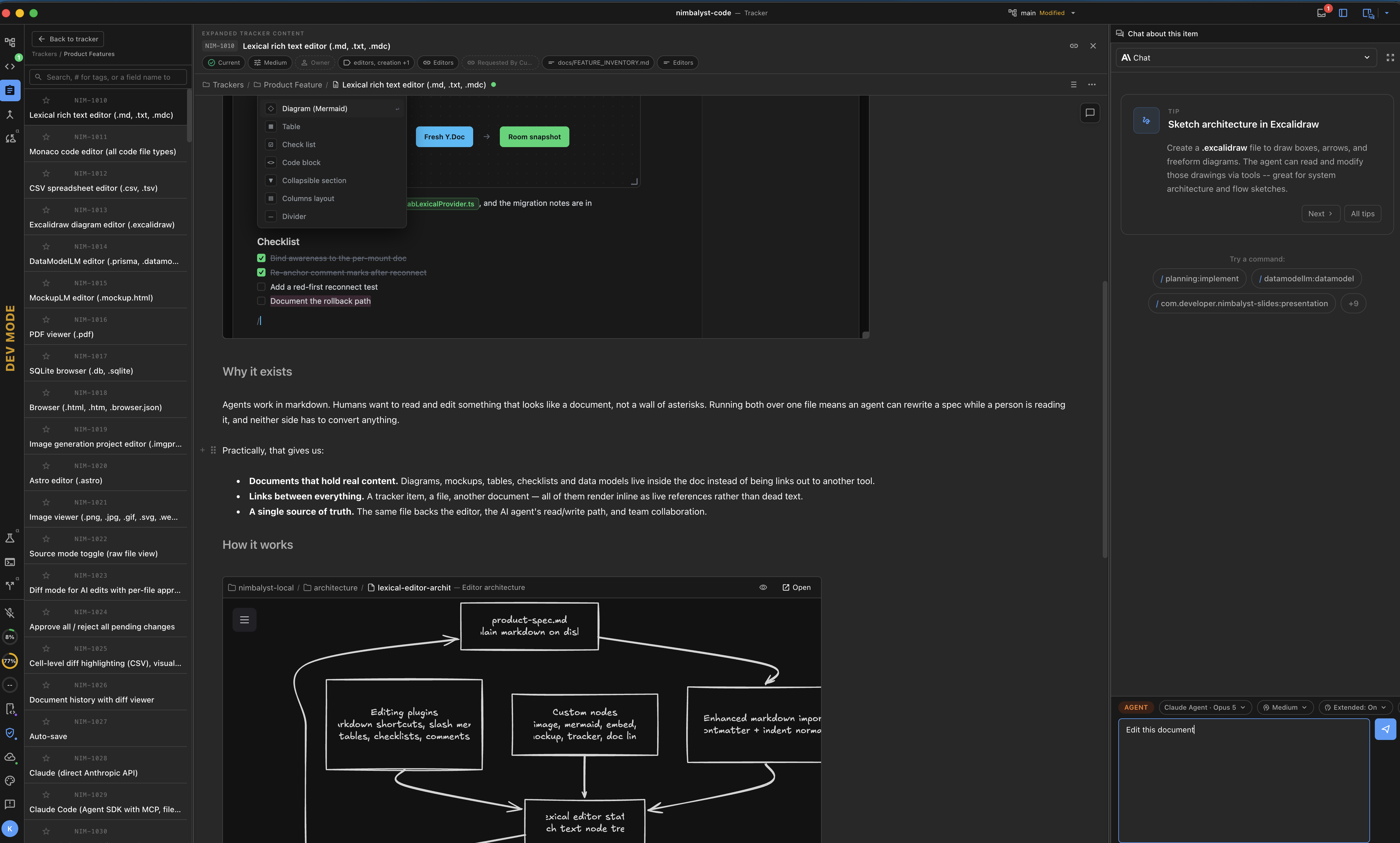
Nimbalyst's tracker is a schema-driven system for managing work items directly alongside your AI sessions and project files. It supports multiple item types out of the box, each with its own status workflow, fields, and icon -- and you can define custom types to fit your project's needs.
What You Can Track
Nimbalyst includes six built-in item types:
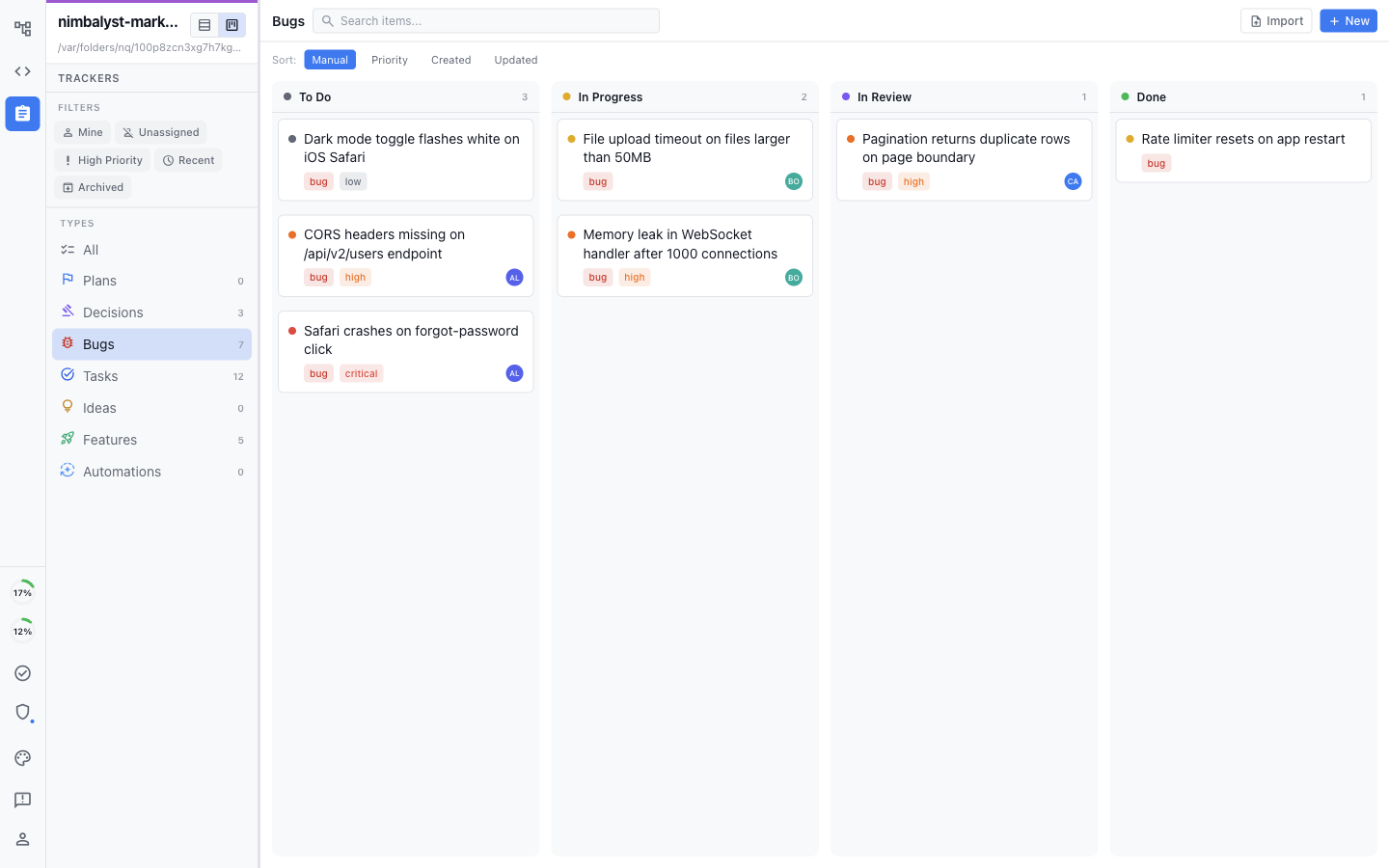
Bug -- Defects and issues to fix
Task -- General work items and to-dos
Feature -- New capabilities and enhancements
Idea -- Early-stage ideas before they become work
Decision -- Architectural and product decisions with context
Plan -- Larger initiatives with progress tracking
Each type has its own statuses, fields, and color-coded icon. You can also define custom tracker types using YAML configuration files.
How Items Get Created
Items can come from multiple sources:
Ask the AI agent during a chat session
Use the
/trackcommand for quick creationWrite inline
#type[...]tags in any markdown fileAdd
trackerStatusYAML frontmatter to a markdown documentClick the +New button in the tracker panel
Where are Items Stored
Items are stored in one of three places:
In the Database as a tracked item
In a markdown file if you created the tracked item using # inline
As a markdown file if that trackerstatus is added to a markdown file
Learn More
Item Types and Fields -- Built-in types, statuses, and field definitions
Kanban and List Views -- Board mechanics, filtering, and drag-and-drop
Item Detail -- Editing fields, comments, and activity logs
Creating Items -- All four creation paths with examples
AI Integration -- How agents create, update, and query items
Commits and Sessions -- Linking items to git history and conversations
Custom Tracker Types -- Define your own types with YAML
Local Config -- Project-level settings and file organization
Last updated